 Reckonry
An estimate recorder for iPhone and iPad
Record what you reckon before you start.
Say how long you think a task will take. Do the work. See the gap between the two. Reckonry keeps the record and stays quiet about it.
Download on the App Store $4.99 once.
Try one
Read this page
How long do you reckon?
0:00
Estimate 2 min, locked
Pick a number, then start and read on. The estimate locks; you cannot revise it, which is the entire point.
Before
Commit to a number
Pick a duration and start. Two taps from a cold launch, or one from the widget, Control Center, or Siri.
During
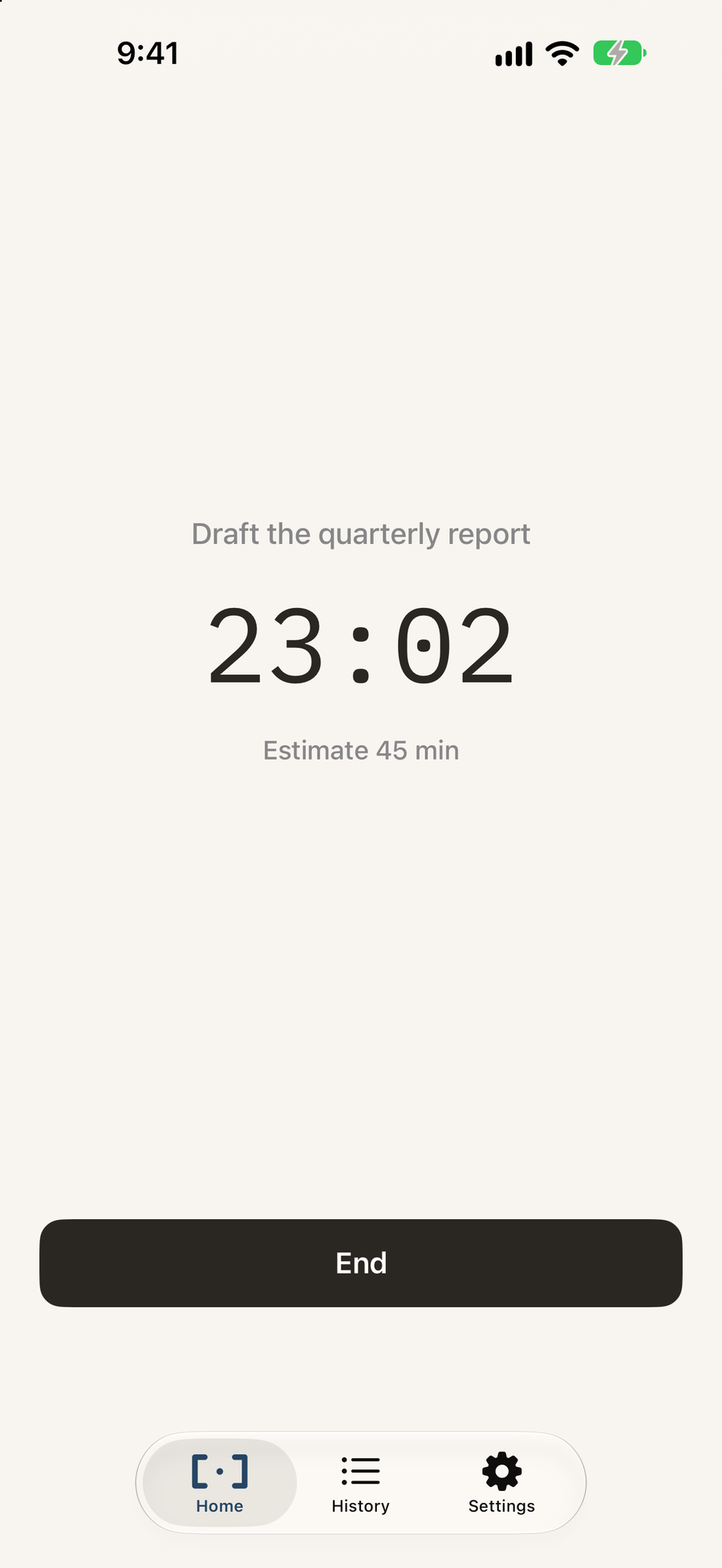
The estimate is locked
A Live Activity keeps the clock on your Lock Screen. You cannot revise what you thought, which is the entire point.
After
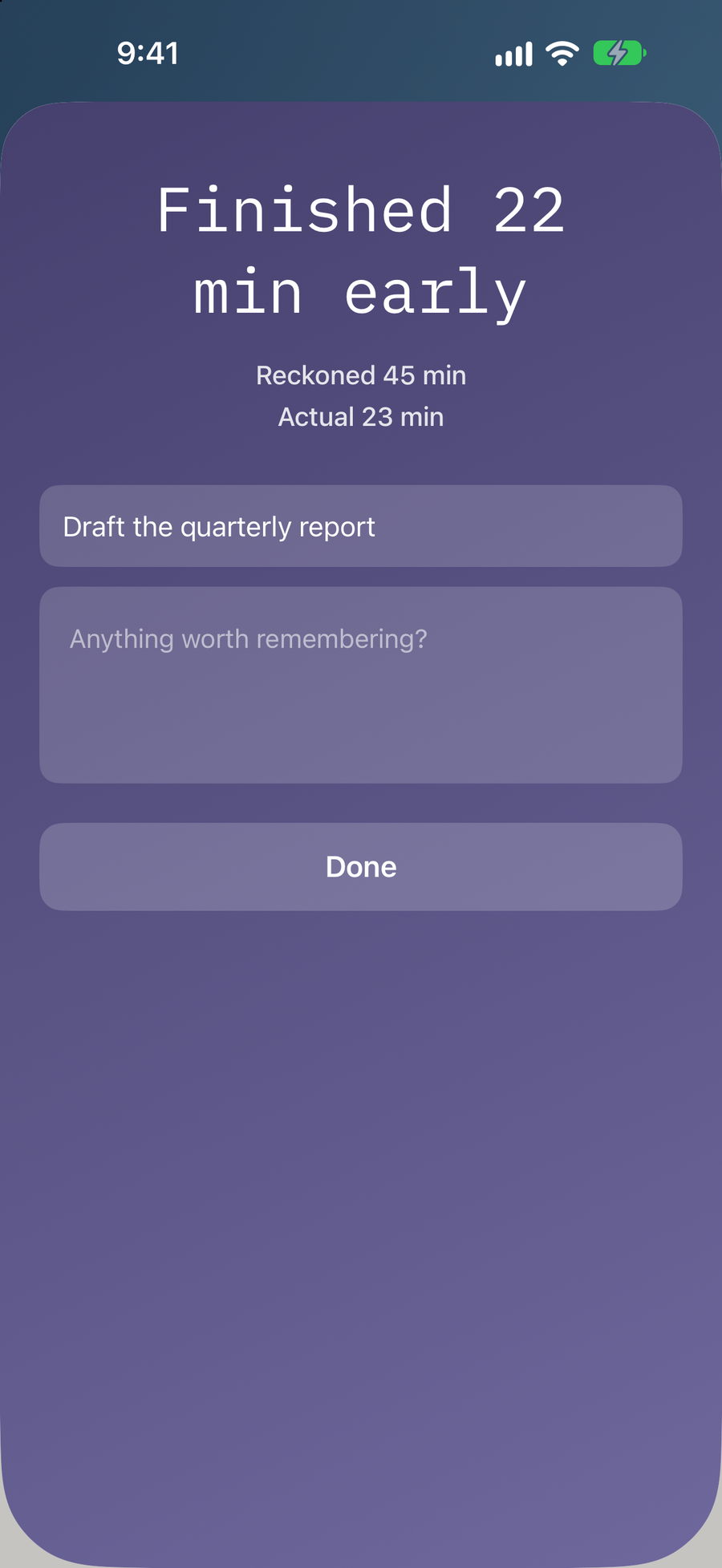
See how it landed
The gap, stated plainly, in words rather than a number to beat. Name it, add a note if you want, and move on.
The divergence arc
Color carries the size of the miss.
Every reckoning lands somewhere on a five-stage arc, set by how far the actual ran from the estimate. Finishing early and finishing late are the same event: you did not know.
- TealWithin 10%
- Petrol10 to 25%
- Indigo25 to 50%
- Violet50 to 100%
- MagentaBeyond 100%
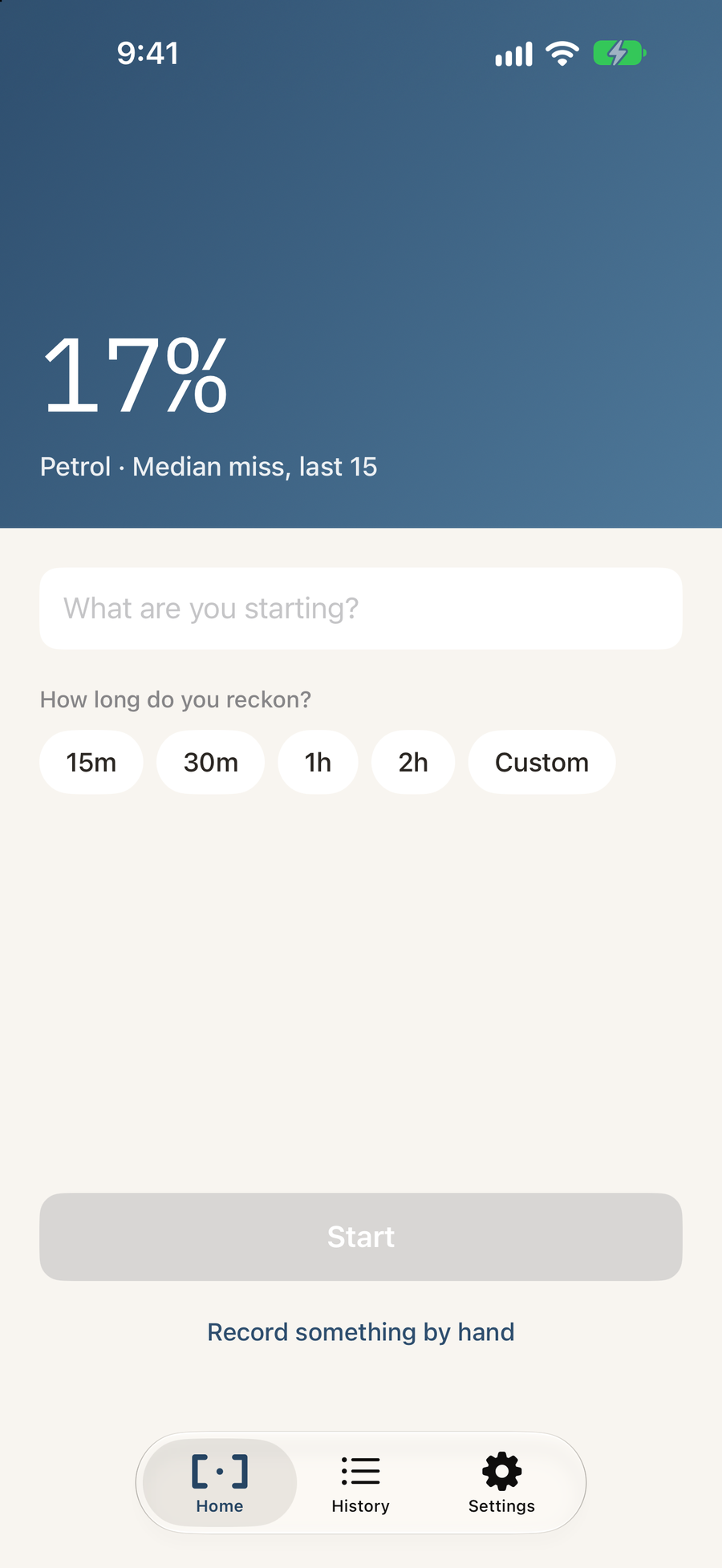
The home screen carries your median miss across the last fifteen reckonings, so the whole app takes on the color of how your estimates have actually been going. It is a reading, not a grade.
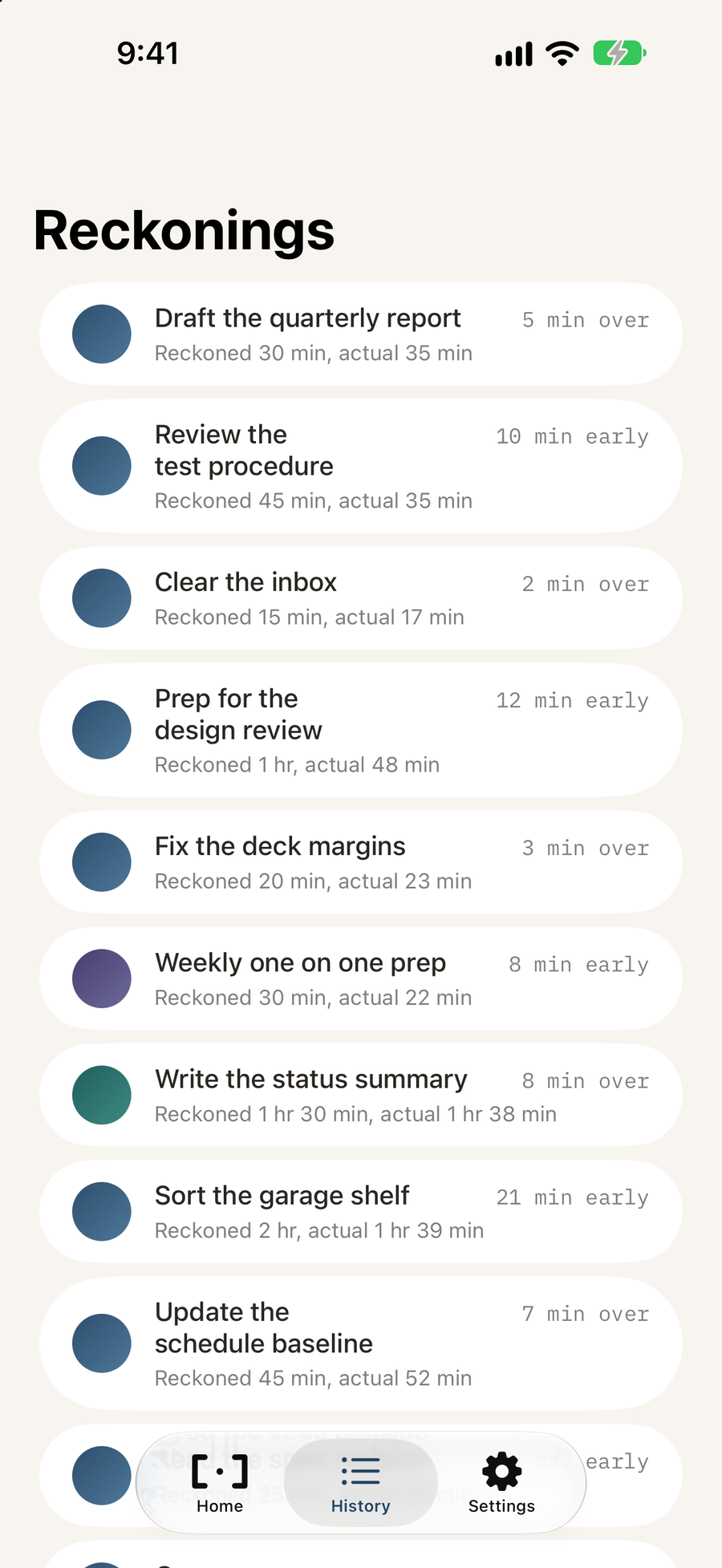
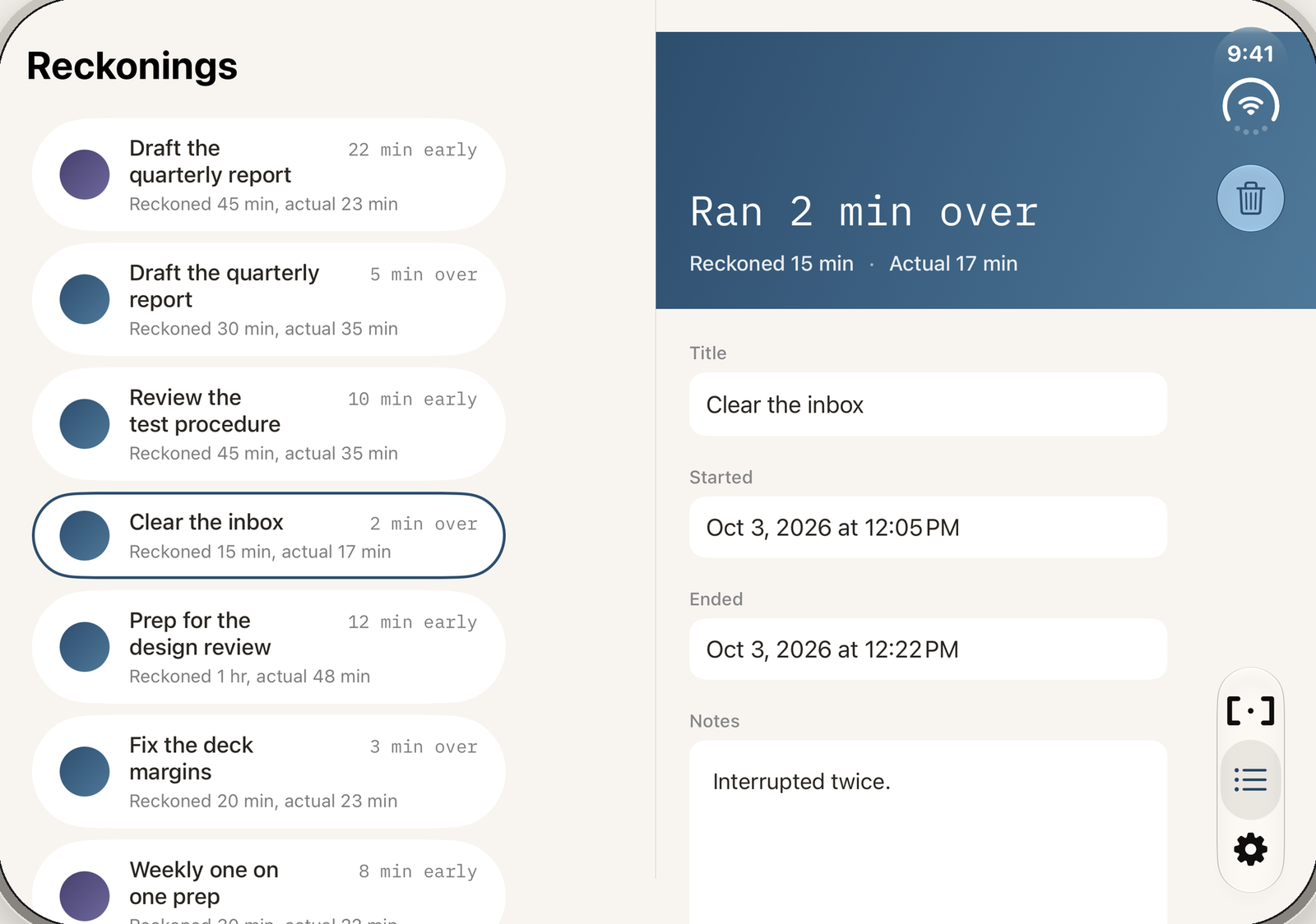
The app
Built for one job, on every surface you already use.
What it refuses to do
The restraint is the product.
Every estimate tracker eventually becomes a productivity scoreboard. Reckonry will not, and these exclusions are permanent.
- Accuracy score or grade
- Streaks to protect
- AI insights or coaching
- Suggested estimates
- A progress bar racing your deadline
- Leaderboards or ranking
- Trends telling you what you are
- Notifications nagging you
A prediction you made honestly is worth more than one the app helped you get right. Reckonry preserves what you thought, not what you should have thought.
How it landed
Review the test procedure
Ran 44 min over
Reckoned 45 min · Actual 1 hr 29 min
Violet · 50 to 100%
An example from the app. Start a reckoning at the top of the page to see your own here.
Your record never leaves your devices.
Reckonry stores everything on your iPhone and syncs through your own iCloud account. There are no accounts to create, no servers to trust, and no analytics of any kind. Nobody at KSQ Studios can see a single reckoning you have made.